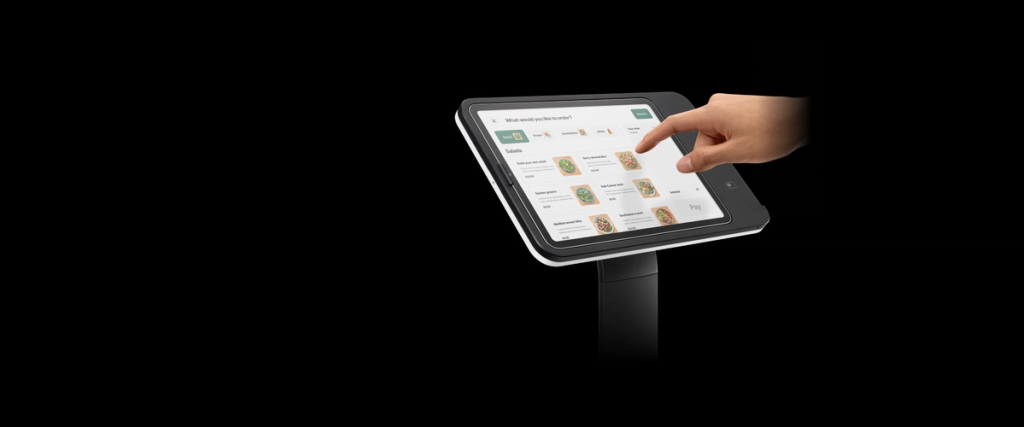
Kiosk Software Development Company
We build kiosks, terminals, and embedded Android software for companies, replacing limited vendor/OEM interfaces, integrating payments, peripherals, and backend systems, modernizing live device fleets, or connecting dedicated hardware screens to mobile, web, and back-office ecosystems. Proven by global clients in the fitness and EV charging sectors.
Contact us
Why Choose Us?
-
Full-Stack Kiosk Delivery
From hardware software development to deployment in a production environment - we develop device applications, backend integrations, administration panels, and tools for managing device fleets, and we provide comprehensive project support after launch.
-
Embedded Android expertise
We have experience working with constraints such as custom Android builds, locked-down environments, no Google Play, outdated OS versions, small screens, the specific requirements of payment terminals, and synchronization with peripheral devices. We also test apps on the client’s actual hardware before launch.
-
Vendor Approval Experience
Software for kiosks often depends on vendors’ SDKs, terminal firmware, payment schemes, compliance checks, and server-side session logic. We know how to handle rejection cycles, and we are skilled at working with incomplete or proprietary documentation.
Custom Kiosk Software Development: Our Zone Of Expertise
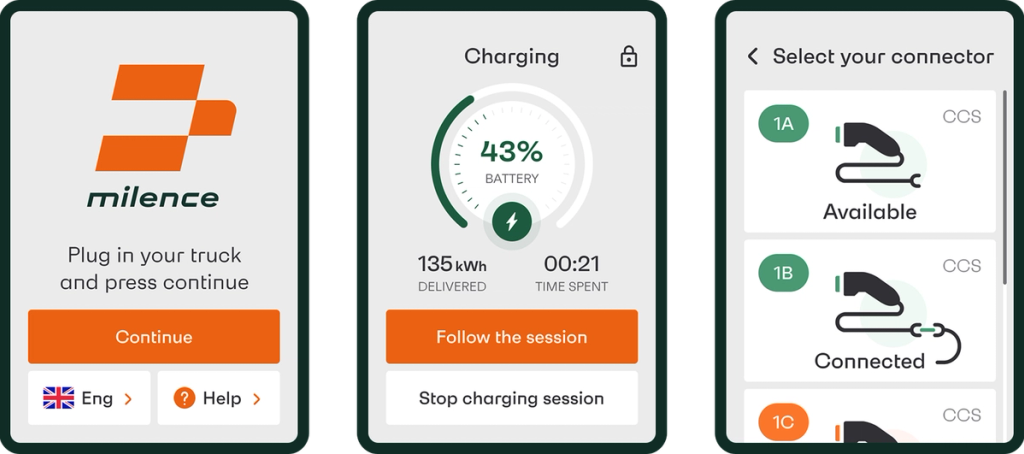
image by Stormotion
EV charging payment terminal & self-service kiosk apps
We provide custom kiosk software development for payment terminals and self-service kiosks – devices that allow users to complete transactions independently, without assistance. This means the process must be intuitive, the payment logic must be reliable, and all non-standard situations must be handled directly on the device itself. We implemented this solution on Milence electric vehicle charging terminals, which passed NDT security testing, and launched the system in 8 European countries.
Card, RFID, and NFC payment flows
Session management: start, stop, timeout, etc
Multi-language UI
Vendor compliance and security testing
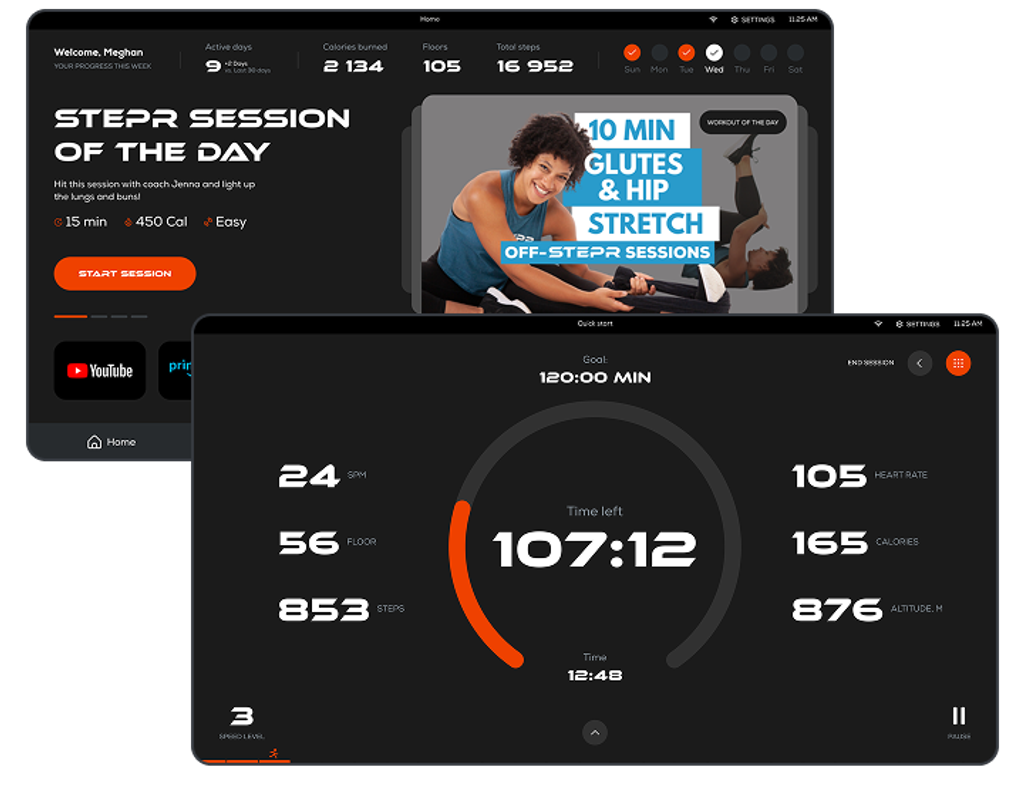
image by Stormotion
Embedded Android apps for dedicated hardware screens
Fitness consoles, industrial panels, equipment interfaces, and charging station displays run on Android, but not the same version of Android found on smartphones. These are special OS builds, closed environments, without Google Play, featuring limited APIs and outdated versions of Android. We develop applications for these environments from customizable launchers to kiosk shells and full-featured console interfaces.
Custom Android apps for embedded consoles
Kiosk shells and custom launchers for locked-down device environments
OTA update flows without Google Play distribution
Native Kotlin, where standard libraries don't work in constrained environments
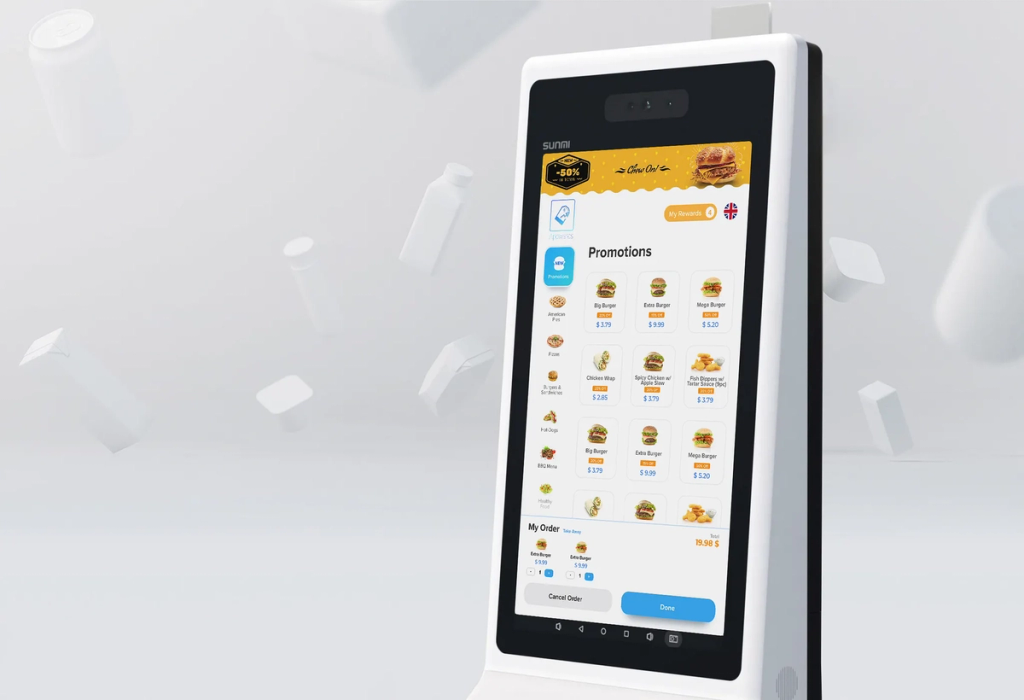
image by Nicolae
Branded rebuilds of vendor / OEM kiosk software
User interfaces from vendors, OEMs, or white-label providers are generic, branding options are limited, and adding custom workflows, loyalty programs, pricing logic, access rules, or upselling scenarios proves to be a challenge. We replace these interfaces with custom-developed software that is fully owned by you - the same hardware, a more powerful product, and complete control over the user experience.
Full rebuild of vendor, OEM, or white-label kiosk interfaces
Brand-specific UX designed for actual screen and OS
Custom business logic
Full ownership of code, release cycle, customer experience, etc
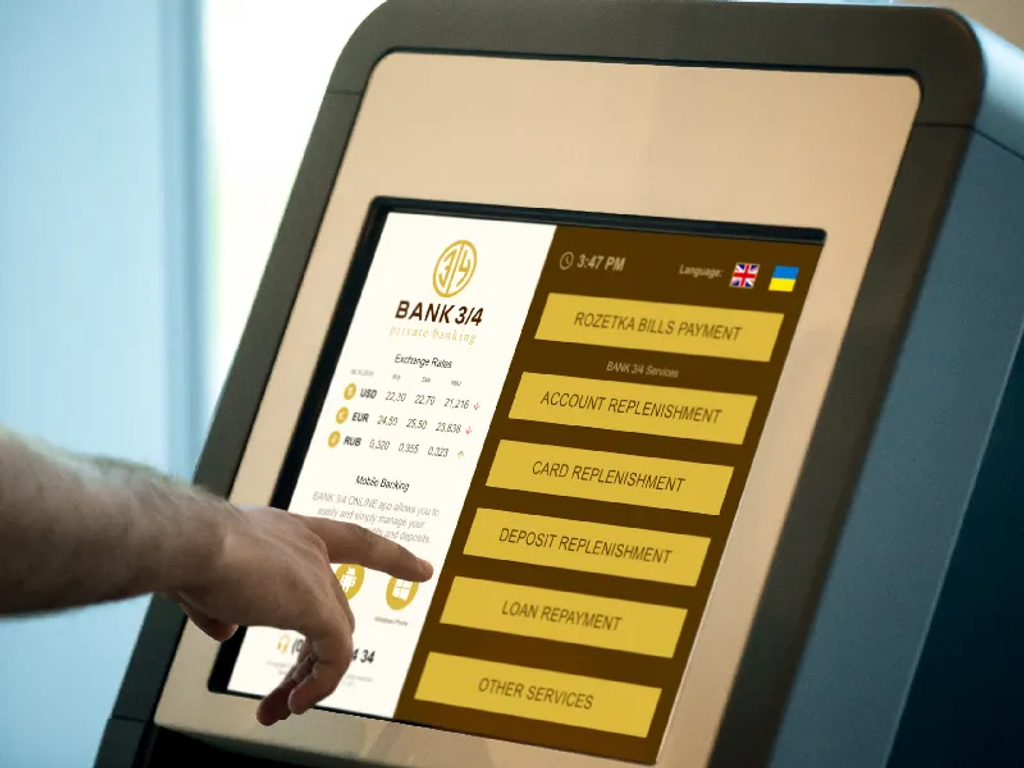
image by Artem Tolstykh
Hardware-connected kiosk products
A kiosk app that only handles the screen is rarely enough. Most terminal and console products have to coordinate with payment hardware, peripherals, backend session logic, firmware behavior, and sometimes multiple device components at once. Documentation may be incomplete, proprietary, or legacy, and a failure in any one layer can break the whole user journey. We build the kiosk layer that ties these systems together: on-device UI, hardware communication, payment flows, backend sync, and recovery logic.
Payment terminal communication: card readers, RFID, NFC, etc
Peripheral integration: receipt printers, barcode scanners, ID readers, etc
Async flow handling between device, terminal firmware, peripherals, and backend
Error states, retries, and session recovery when any layer fails
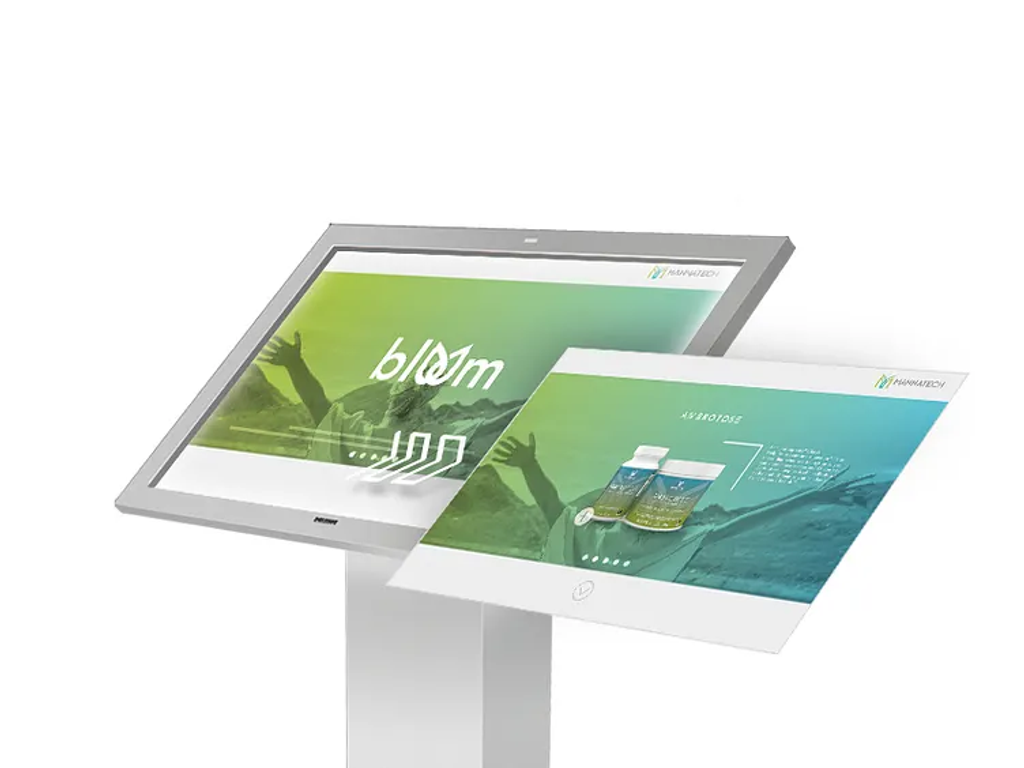
image by Juan Meléndez
Modernization of live terminal and console products
Upgrading a kiosk or console that is already in use is different from building something new. Users are accustomed to existing workflows, and outdated code and a variety of hardware make changes risky; at the same time, the product must continue to function while you improve it. We modernize existing terminals and consoles incrementally - keeping what works, fixing the most serious issues, and postponing risky changes that shouldn’t be included in the first release.
Codebase and device-fleet audit
Incremental refactoring and redesign alongside active production use
Support for multiple Android versions, firmware versions, and device variants
Staged rollout, rollback planning, and UX changes
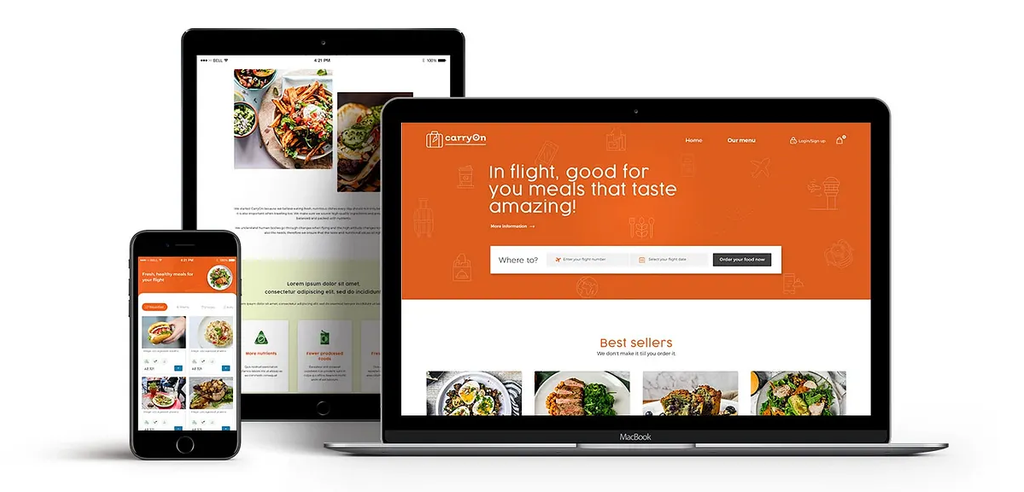
image by Gopu prasad
Kiosk ecosystems with mobile, web, and back-office extensions
A kiosk screen is often just one touchpoint within a broader product. Users expect their accounts, session history, settings, subscriptions, and access rights to be synchronized across the device, mobile app, web portal, and back office. When these interfaces are developed separately, data and logic remain out of sync. We build kiosk products as part of a unified ecosystem, ensuring that the device, companion apps, and operational tools share a common data layer and business logic from the start.
Companion mobile apps connected to kiosk session, account, and preference data
Web portals for user account management, history, subscriptions, and reporting
Shared authentication, access, and entitlement logic across device and app surfaces
Backend architecture that keeps device, mobile, web, and back-office systems in sync
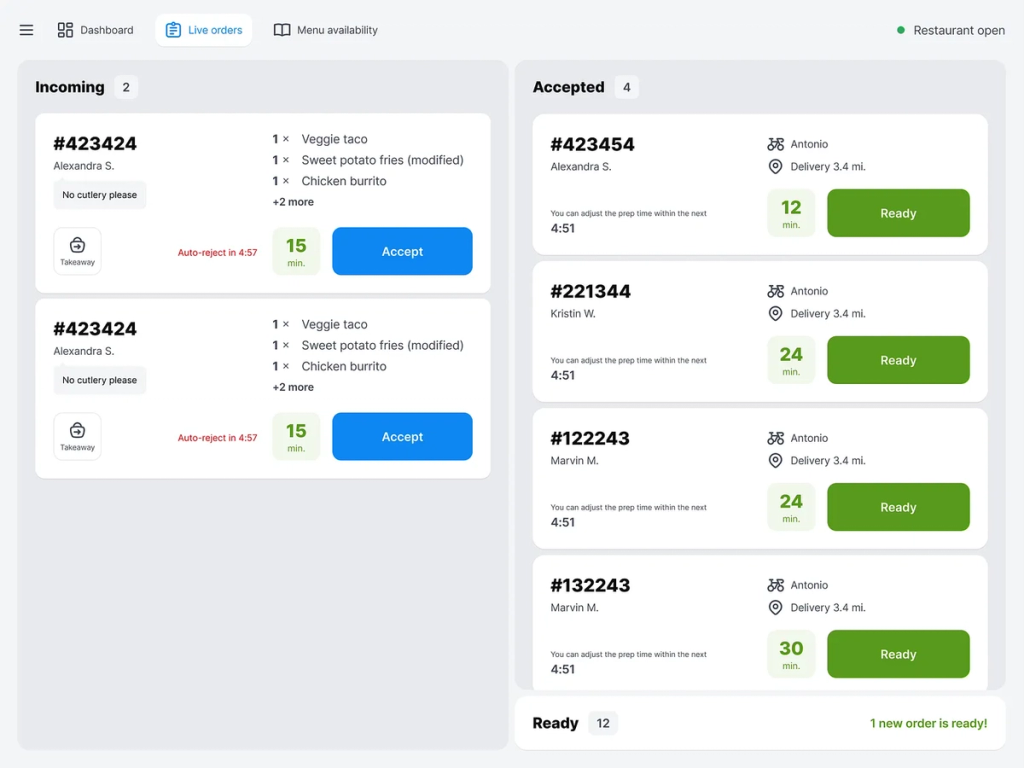
image by Pawel Pariaszewski for EL Passion
Admin panels, fleet monitoring & support tooling
Once a kiosk product is launched at multiple locations, the real operational work begins. Operations teams need to configure prices, rates, content, and device behavior without having to contact developers. Support teams require logs, context for failed sessions, device performance data, and alerts without direct access to the infrastructure. We develop internal tools that enable the management of kiosk products and the evaluation of their effectiveness across large networks.
Device management dashboard
Content, pricing, and tariff configuration
Session logs, failure alerts, reporting, and support workflows
User, access, and entitlement management
Latest Projects by Our Kiosk App Development Company
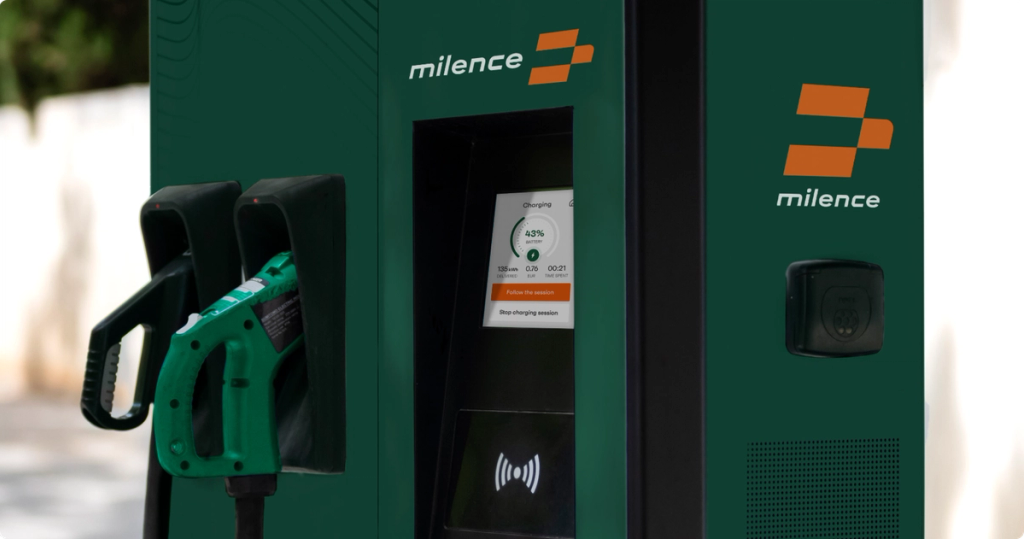
Payment terminal app
A joint venture between Daimler Truck, Volvo, and the TRATON Group, establishing Europe’s first large-scale network of charging stations for heavy-duty trucks. We developed an Android app for their payment terminals - from scratch, including NDT security testing - for 8 European countries.
View case study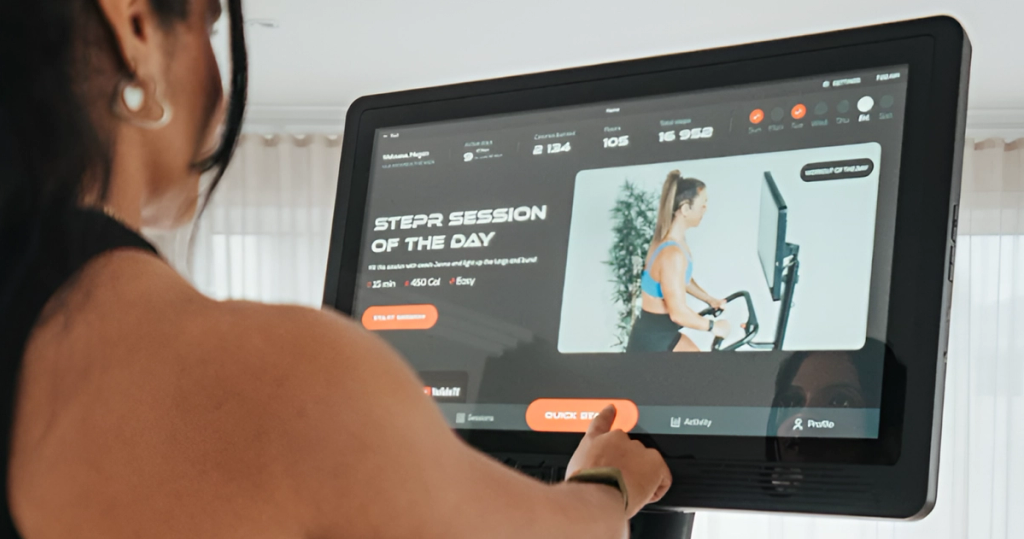
Fitness console app
An Australian fitness brand focused on the US market, with sales of over 7,000 units and revenue exceeding $25 million. We developed a console app for Android that runs on a 27-inch screen and controls the exercise machine.
View case studyOur Core Strengths In Kiosk App Development
1
Hardware-aware discovery
Before we begin kiosk app development, we take the time to thoroughly study the device’s actual environment - from the Android version to reviewing complex documentation. Our primary goal is to identify integration risks early on and build our processes accordingly.
2
Companion ecosystem development
When a kiosk is just one part of a larger product, we build everything related to it: mobile apps, web platforms, accounting systems, subscriptions, access rights, and general backend services. The kiosk interface, companion apps, and internal tools are developed as a single, interconnected ecosystem.
3
Offline-first thinking
Kiosks in locations such as parking lots or charging stations cannot rely on a stable internet connection. We account for this from the very beginning by incorporating local data storage, retry mechanisms, synchronization after connection restoration, and seamless behavior when switching to a fallback option when the backend is unavailable.
4
Production-grade payment integrations
As a kiosk software development company, we work with the full range of payment technologies — EMV, NFC, RFID, contactless payments, and vendor-specific SDKs. Any issues that arise in real-world conditions are handled directly on the device, so users don’t have to wonder what went wrong.
5
Custom OTA and update flows
Most kiosk hardware isn’t available on Google Play, and off-the-shelf MDM tools often fall short. That is why we develop update systems tailored to the real-world conditions of devices in the field - customized distribution infrastructure, phased rollouts, safe rollback strategies, and update paths that do not disrupt ongoing operations.
6
Peripheral integration across real device stacks
The peripheral layer must be properly configured. Receipt printers, barcode scanners, RFID and ID readers, BLE accessories, serial connections, payment terminals - we plan this entire stack in advance and verify that everything actually works before proceeding to full-scale development.
7
Native Android, where kiosk products actually need it
Kiosk shells, customizable launchers, device locking, payment terminal behavior, communication with peripheral devices, and customizable Android environments often require native development. We write in Kotlin where the device requires it, and use React Native where it makes sense - not the other way around.
Our Tech Stack as a Kiosk App Development Company
Programming Languages
Frameworks
Navigation
Networking & APIs
Backend & Data
State & Data Fetching
Payments & Monetization
External Devices / IoT & Connectivity
Maps & Location
Graphics, Video & Audio
Forms & Validation
Internationalization
Analytics & Monitoring
Testing & QA
CI/CD & Delivery
AI / Machine Learning

TypeScript

Kotlin

Swift













Testimonials from our clients



"Stormotion stood out because of their focus on Bluetooth-connected products. They weren't just app developers, they understood the unique challenges of building mobile app experience for hardware products. Their collaborative approach, technical expertise, and ability to quickly grasp the vision of the North Guardian app made it clear that they were the right fit."


"If you're thinking of going to Stormotion, you're going to have a very easy team to talk to, to communicate with, to understand what you want to do. They will tell you if you're barking up the wrong tree and are going to waste your time and money. I'd say "give it a go!" and I thoroughly recommend Stormotion."


"Stormotion has really delivered on their promises. They’ve been very transparent about their progress, flexible in reacting to changes, and solution-focused in overcoming challenges. If they didn’t know something, they would find out, which gave us great confidence in their ability to go the extra mile."


"We originally got in touch with Stormotion from our original app developer. And very soon we found real value in choosing Stormotion, because they previously had real valuable experience on the field – digital apps working in the realm of EV charging. So, it was really a no-brainer for us to to go with them."


"I highly recommend Stormotion as a service provider for app development. They're young, flexible, dynamic, creative and very fast. The cost of planning and implementation is also reasonable. As they use "pay as you go", have a good plan first – then the result also will be satisfactory."


"The Stormotion team quickly became our team for everything Native app-related. It would be hard to name all the things that we built over the many years we worked together, but overall, I think we had a good partner who was able to adapt the way we worked, and the way they worked. So that we could ultimately build a product that had the quality that we wanted and with the speed that we wanted."


"Given a tough budget and a lack of knowledge in our own engineering team, we quickly came to Stormotion. We had already worked together on previous projects, and I knew that, based on React Native, we could have one engineer responsible for it. That was just amazing because I could really focus on our customer side, knowing that the mobile application for the testers was in very good hands."


"Trust Stormotion. Work with them on your road map, on your technical debt. Also, expect feedback because the team is eager to do this. It's what I value and, I think, many startups value."


"Working with Stormotion was a blast! The Project Managers, and especially Alex, are always there for you when you need them to go the extra mile. And it's very easy to communicate with them. Whether it's something urgent or whether it's a bigger task, like building the structure of the architecture, I always felt like I was treated very well. Stormotion delivered a great app experience from day one."
Kiosk Software Development Company: Collaboration Models
Pre-Project
Discovery Stage
Planing
Agile Development
UX-Prototyping
Design
Development
QA & Testing
Transition
Maintenance
Handover
Next Iteration
We operate as a full-cycle partner – from hardware analysis and risk assessment to product launch and long-term support in kiosk app development company projects. Before development begins, we verify the actual capabilities of the devices and determine what should be included in the first version (V1). Support doesn’t end with the release: the kiosk continues to operate in a real-world environment, and we remain involved in its development.
Depending on the project stage, collaboration may include:
- analysis of hardware capabilities and technical risks
- interface design for compact screens and standalone devices
- development, testing, and integration with backend and operational tools
- post-release support, monitoring, and product development
You get a team that understands the entire stack and takes responsibility for the product after launch. The average duration of collaboration with clients is 3.3 years, and engineers work at the company for an average of 3.7 years, ensuring stability for long-term kiosk projects.
Ready to launch your kiosk product?
Contact us-
9+ years
Since 2017, we have been developing mobile and embedded solutions for charging stations, fitness equipment, IoT devices, and payment terminals. Kiosks are a natural extension of this expertise: we are familiar with the constraints, and integration challenges are a routine part of our work.
-
1,700+ EV charging terminals
Milence – a joint project between Daimler Truck, Volvo, and the TRATON Group – is scaling up to 1,700 charging points across Europe. We developed a payment terminal app from scratch that has passed NDT security certification in 8 countries.
-
Active global clients
Deftpower, Enercity, and other clients from the USA, Europe, and Australia work with us in the areas of charging infrastructure, kiosks, and connected devices. These are long-term partnerships, not one-off projects.
Our Blog
All blog posts

FAQ
How much does kiosk app development cost?
The cost depends on the complexity of the product. A basic kiosk app for a single type of device with simple use cases starts at approximately $50,000–$70,000. In kiosk software development companies, integration of payment systems, peripherals, backend logic, admin tools, or support for a fleet of devices significantly increases the scope of work and, consequently, the budget. We always determine the cost after an initial discussion, as the requirements in kiosk projects have too much of an impact on the final estimate to set a price in advance.
How long does it take to build a kiosk app?
In kiosk Android app development, a typical V1 release with a clear scope of work takes 4-6 months. Additional factors – such as hardware certification, integration with payment providers, and coordination with vendors – can extend the timeline. For example, developing a solution for Milence took 23 weeks due to NDT certification processes.
Can you replace our current vendor/OEM software without changing the hardware?
Yes, this is one of the most common scenarios. If the device supports the installation of custom APKs or runs on an open Android environment, we can replace the vendor’s interface and logic with a custom solution. Same hardware – but software that is fully controlled by and owned by you.
Do you build only the kiosk app or the full product stack?
We cover the entire stack. A kiosk app is just one part of the system. Backend integrations, admin panels, device monitoring, and support tools are usually required as well. We build everything as a single product, where one team is responsible for the entire lifecycle – from the device to the infrastructure. This is what turns a standalone app into a fully functional kiosk system.
Do you work with existing hardware or only new projects?
We mainly work with already installed equipment – payment terminals, Android consoles, and existing device fleets. In healthcare kiosk software development, building solutions on top of existing infrastructure is standard practice for us, not an exception.
Do you support offline functionality in kiosk applications?
Yes, and in many cases, this is simply essential. Kiosks installed in locations such as electric vehicle charging stations or street terminals cannot rely on a stable connection. We approach this challenge with an offline-first mindset: data is stored locally, user actions are queued, retries are performed automatically, and synchronization occurs once connectivity is restored. The result is a system that continues to operate seamlessly, even when the network is down.
How do you handle updates and maintenance for deployed kiosk devices?
We don’t rely on standard distribution through app stores. Instead, we create customizable OTA (over-the-air) update systems that are tailored to the realities of kiosk hardware. This includes controlled deployment, rollback mechanisms in case of failures, and delivery channels that do not disrupt devices already in use. After deployment, we continue to participate in monitoring, troubleshooting, and continuous improvements based on how the system performs in real-world conditions.
Can your team integrate with our existing backend and third-party services?
Yes. Integration is a core part of our work. We connect kiosk applications to existing backends, payment systems, CRMs, and third-party APIs, regardless of how well-documented they are. Even if vendors have limitations or gaps, we resolve them so that everything works as a unified system with consistent data and business logic across all components.


Todd Gilligan
Innovation Lead @ Force USA
"I had meetings with 30 different agencies and the team at Stormotion gave me the most confidence to go forward. With them you feel like you've got a kind, knowledgable & conscientious team behind you. So I was 100% sure that they're going to be able to deliver our project!"