Progressive Web App (PWA) Development Services
PWA solutions for businesses that work everywhere: web, mobile, and offline. We build custom progressive web apps, migrate existing products without losing users, modernize legacy code, and support feature rollouts.
Contact us
Why Choose Our PWA Development Company?
A full-cycle PWA development partner
We don’t just write code to close tickets. We help you prepare the right scope (discovery + prioritization), build a realistic roadmap, and deliver a working product. No budget surprises. No timeline drift. No team turnover mid-project.
Offline-first performance and stability
PWAs should stay usable even when the connection is slow or unstable. We build offline mode and caching so the main screens load fast and users can access critical content without waiting. The goal is simple: people open the app and get what they need, no matter the device or network.
Native app-like UX for retention and engagement
A good PWA should feel close to a native app. We review critical flows, identify where users drop off, and refine the UI to improve retention, engagement, and conversion.
Our Progressive Web App Development Services
- Custom PWA Development
- Migration to PWA
- Legacy PWA Modernization
- System Integrations
- PWA Design
- Quality Assurance
- Maintenance & Support


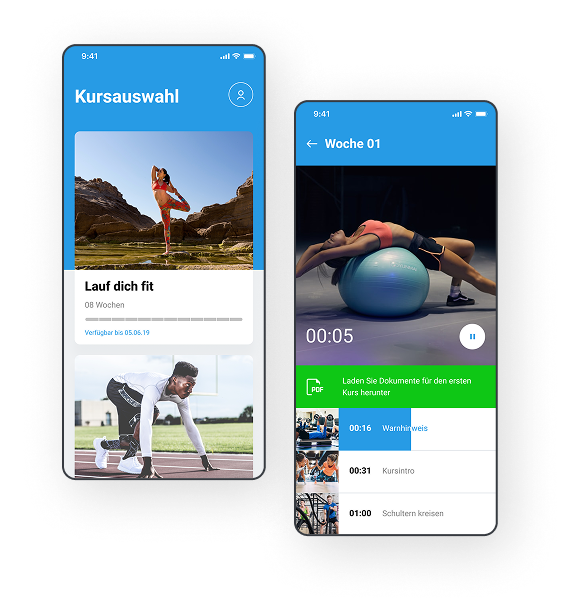
image by Stormotion
Custom PWA Development
We build Progressive Web Apps for teams that want one product for desktop and mobile. Our team works with content and subscription products that need quick access to courses, workouts, and monetization. We also help startups build MVPs to validate idea with real engagement data, but without the cost of native apps. We start with the main flows, define what should work offline, and ship in small parts so you can test the product with real users.
Offline mode and content caching
Push notifications
Payments and subscriptions
Analytics for retention and conversion tracking


Image by @dlaurestky
Migration to PWA
Users don’t install your app. Websites are expensive to maintain. Migrating to a PWA combines the user experience of a website and a native app. We use this approach for e-commerce catalogs and offers; restaurant menus with order and payments using QR codes; tourism guides with maps and offline access; and course platforms where students must access the content everywhere.
Step-by-step release plan
Account, data, and auth migration support
Offline mode and push notifications
SEO preservation (URLs, metadata, indexing)

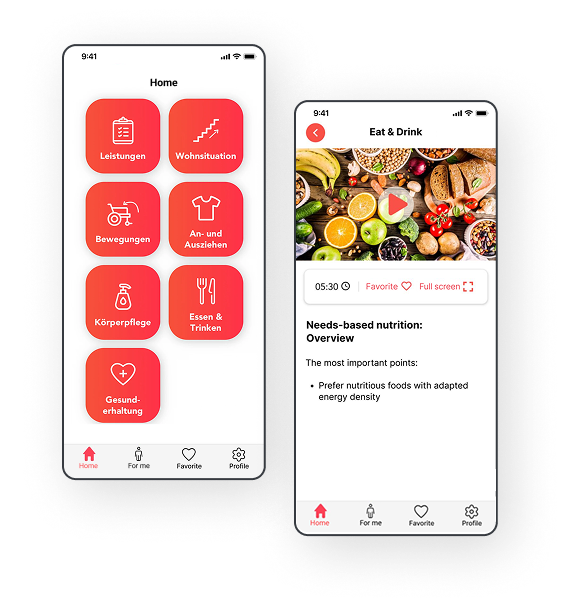
image by Stormotion
Legacy PWA Modernization
Common scenario: users drop off because the PWA feels slow and unstable. Or the internal team is overloaded and can’t upgrade the product. We modernize the parts that cause the most issues (offline behavior, caching updates, heavy screens). Our team can improve mobile experience and add features without rewriting the whole product.
Dependency and code updates
Caching and offline behavior review
Performance fixes
Engagement features (push notifications, progress tracking)


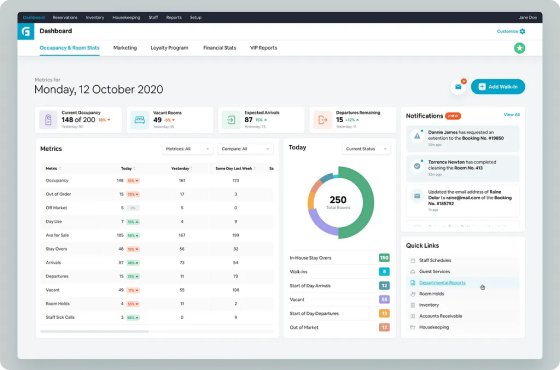
design by @Nimasha Perera for Dreamten
Integration with Existing Systems
Many PWAs need to work with internal tools you already run your business on: payments, CMS, ERP/CRM, or internal services. Our team works with products where payments, user accounts, and content delivery must work together. We connect the PWA to these systems for data synchronization and automation.
ERP/CRM connections (sync, import/export, workflows)
Payments (subscriptions, one-time purchases)
CMS and admin tooling connections
API work (auth, roles/permissions)


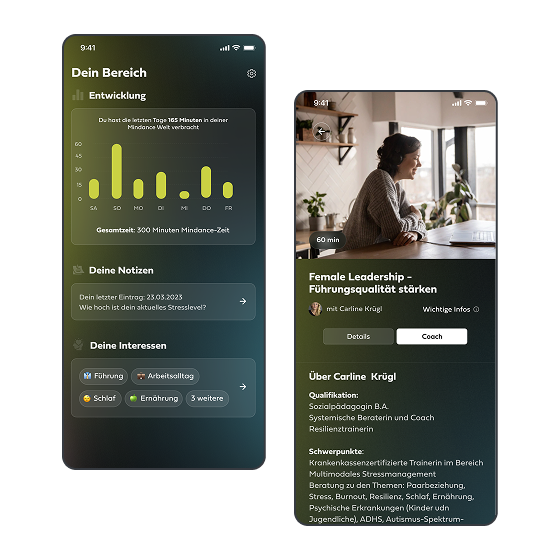
image by Stormotion
PWA Design
A PWA should feel close to a native app: quick navigation, clear structure, and predictable behavior on mobile and desktop. But more importantly, the UX should increase retention, engagement, and conversion. We design the main screens and flows first, then expand as the product grows. If you already have a product, we can review the flows and propose UI changes to improve its performance.
UX audit of key flows with drop-off analysis
Wireframes and clickable prototype
Accessibility checks


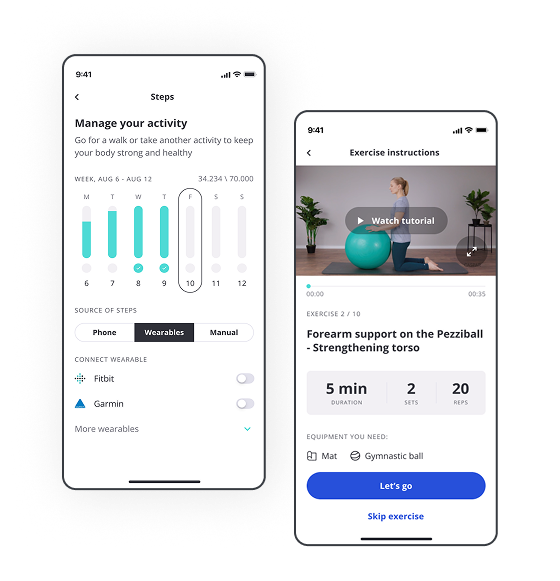
image by Stormotion
Quality Assurance
PWAs work differently across browsers and devices, and offline mode is one of the complexities. We test the flows that usually break: caching updates, storage limits, reconnect behavior, and push notifications. We also run regression checks before release so updates don’t break existing flows.
Device + browser coverage based on your audience
Offline mode, caching updates, and reconnect checks
Push notification checks

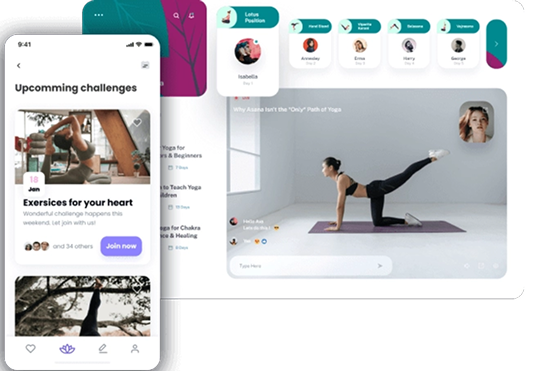
Image by @Reddy_Agency
Maintenance & Support
After launch, products need ongoing fixes, browser updates, and small improvements. We help you keep the PWA stable and keep releases under control. For internal tools, this also reduces the time your team spends on day-to-day issues.
Bug fixes and browser update
Monitoring, alerts, and help with outages
Support process setup (triage, priorities, reproduction steps)
Our Recent Projects
Our Industries



Fitness
Learn more


IoT & Connectivity
Learn more

EV & EMSP
Learn more

Healthcare & Mental Health
Learn moreOur Technologies
Frameworks
Programming Languages
External Devices / IoT & Connectivity
Navigation
Graphics, Video & Audio
Backend & Data
Networking & APIs
State & Data Fetching
Payments & Monetization
Maps & Location
Forms & Validation
Internationalization
Analytics & Monitoring
Testing & QA
CI/CD & Delivery
AI / Machine Learning
AI Coding Assistants
Admin & CMS

React

React Native

Expo

Gatsby

Next.js

Hasura

NestJS
Testimonials
Our Software Development Codex
1
Deliver solutions, not code.
We start by clarifying what the PWA must do for your users and your business. Then we suggest a scope that fits your goals.
2
Your best effort means nothing if it doesn’t work.
PWAs can behave differently across devices and browsers. We check the key flows under real conditions: weak internet, offline use, and data caching.
3
Slow is smooth. Smooth is fast.
Rushing early decisions often leads to rework, especially in migrations and legacy upgrades. We take time to decide what should work offline, what should be cached, and how the PWA should work.
4
Invented something? Great minds think alike.
Before we build custom mechanics, we check what the web platform already offers and what you already have in your systems. This keeps the product easier to support and extend.
5
Surface knowledge is surface value.
PWAs have limitations like offline storage, caching, and push notifications that work differently across platforms. We explain these details to you and offer solutions to overcome them.
How can we help?
Thank you
Your message has been sent.
Our manager will contact you as soon as possible. Have a nice day!
To Home Page


Book a call with our Co-Founder, Roman, to explore your PWA project.
Progressive Web App Development Process: Collaboration Models
Product-Based
Talent-Based
Client
Stormotion
Client Supervisor
SM Dev
SM Dev
Client
Stormotion Engineers + Your Team
One or more PWA engineers join your existing team and work with your Product Owner, PM, and engineers.
Typical use cases:
- Add PWA expertise to a web-focused team
- Extra hands for migration, offline mode, or integration work
- Strengthen testing across browsers and devices
Client
Stormotion
Product Owner
SM Dev
SM Dev
SM Dev
SM Dev
Standalone Stormotion Team
A team (Frontend, Backend, QA, and PM) that can build your PWA end-to-end based on your specifications.
Typical use cases:
- Build a new PWA when you don’t want to hire an in-house team
- Migrate a website or native app to a PWA
- Modernize a legacy PWA
Our Excellence Pillars
Contact us4 months to MVP: a first version you can test
We deliver an MVP PWA in 4months, focused on the main flows and the devices your users rely on. You get a working first version, so you can test it with real users and improve it based on data.
3.7 years average engineer stay: stable team, clear ownership
You work with the same engineers over time, which keeps context and reduces handovers. That consistency helps with long-term support, follow-up changes, and steady progress.
One team for your full web setup
We can cover the PWA itself, related web parts, and supporting tools (admin panels, dashboards) with one team. This keeps the product consistent and makes future changes easier to coordinate.


![React Native vs Native Development [2026]: Insights from Stormotion’s CTO](https://cdn.sanity.io/images/ordgikwe/production/d3b235f9e44ba58223b1fd220eabefffe331be3a-1504x1128.png?w=1504&h=1128&auto=format)






Progressive Web App Development Agency: FAQ
What is Progressive Web App development?
Progressive Web App development is building a web application that works like a native app. A PWA runs in the browser but can be added to the home screen, open in a standalone window, work with limited connectivity through offline mode and caching, and use features like push notifications. It’s a good option when you want one product for desktop and mobile without maintaining separate native apps.
Can you migrate an existing website or app to a PWA without losing users or SEO?
Yes. Our Progressive Web App development services avoid a “big switch” and move in stages to keep key flows, accounts, and content structure stable. For SEO, we preserve URLs, metadata, and indexing signals, and ensure performance stays strong. Our team starts by reviewing what you have today, then offers a migration plan that reduces risk for both users and search visibility.
Are progressive web apps still a thing?
Yes. PWAs are used for products that need mobile web performance, offline access, and easier distribution than app stores. They’re popular for content and subscription products, field and internal tools, and cases where you want a single product across devices. The main decision point is not “are they popular,” but whether PWA functionalities and limits fit your product needs.
For which projects are Progressive Web Apps the right approach?
You should choose PWAs when you want one product for desktop and mobile, fast access without an app store install, and offline use for selected parts of the app. For example, content and subscription products (offline reading, saved content), or internal tools for teams working on different devices. If you need advanced features, a mobile app may be a better fit.
PWA vs native app: which one should I choose?
Choose a PWA when your product is primarily a web experience, you want broad device coverage with one codebase, and offline access plus an app-like feel is “enough.” Choose native when you need advanced device features, strong background behavior, or OS-level integrations across all platforms.
Can a PWA work offline and send push notifications?
Yes, in many cases. As a part of our PWA development services, we handle offline mode through caching and storing selected data locally, so important screens still work when connectivity is weak. Push notifications are supported in many modern browsers, but behavior varies by platform and browser, so we treat it as a feature that must be tested in your target setup. If offline use and notifications are critical to the product, we test them throughout development.
How much does it cost to build a Progressive Web App?
Cost depends on scope, integrations, and complexity. Our development unit (full-time developers plus part-time QA, UX/UI designer, and PM) typically costs $10,000-15,000 per month. To develop an MVP, we need 3-4 months, and it costs $30,000-60,000. A complex PWA can take 5-6 months to build and costs $50,000-90,000. Contact our Progressive Web App development company and we’ll prepare the Project Cost Estimate for you.
How long does it take to build a Progressive Web App?
It depends on scope and complexity, but an MVP PWA typically takes 3-4 months. A larger platform with backend APIs, admin panels, integrations, and compliance requirements can take 5-9 months. We always start by defining the main flows and the first release scope, then build in steps.
What are the limitations of PWAs on iOS and Android?
PWAs work well on modern browsers, but support differs by platform. Android (Chrome) offers broader PWA features, including easier installation and stronger support for app-like behavior. iOS (Safari) has improved, but some features can be limited or behave differently, and system updates can affect caching and storage. That’s why we confirm target devices early and plan the feature set around real platform behavior.
Can a PWA integrate with our existing systems (payments, CMS, ERP/CRM)?
Yes. Many PWAs rely on integrations. For content and subscription products, this often includes payments and a CMS. For internal and workflow tools, it’s usually ERP/CRM and internal services. We define system logic, how users authenticate, and what roles and permissions you need. Then we implement and test the integrations so the PWA works as part of your business.